Free online GIF & animation maker
Make GIF animations online — draw frame by frame
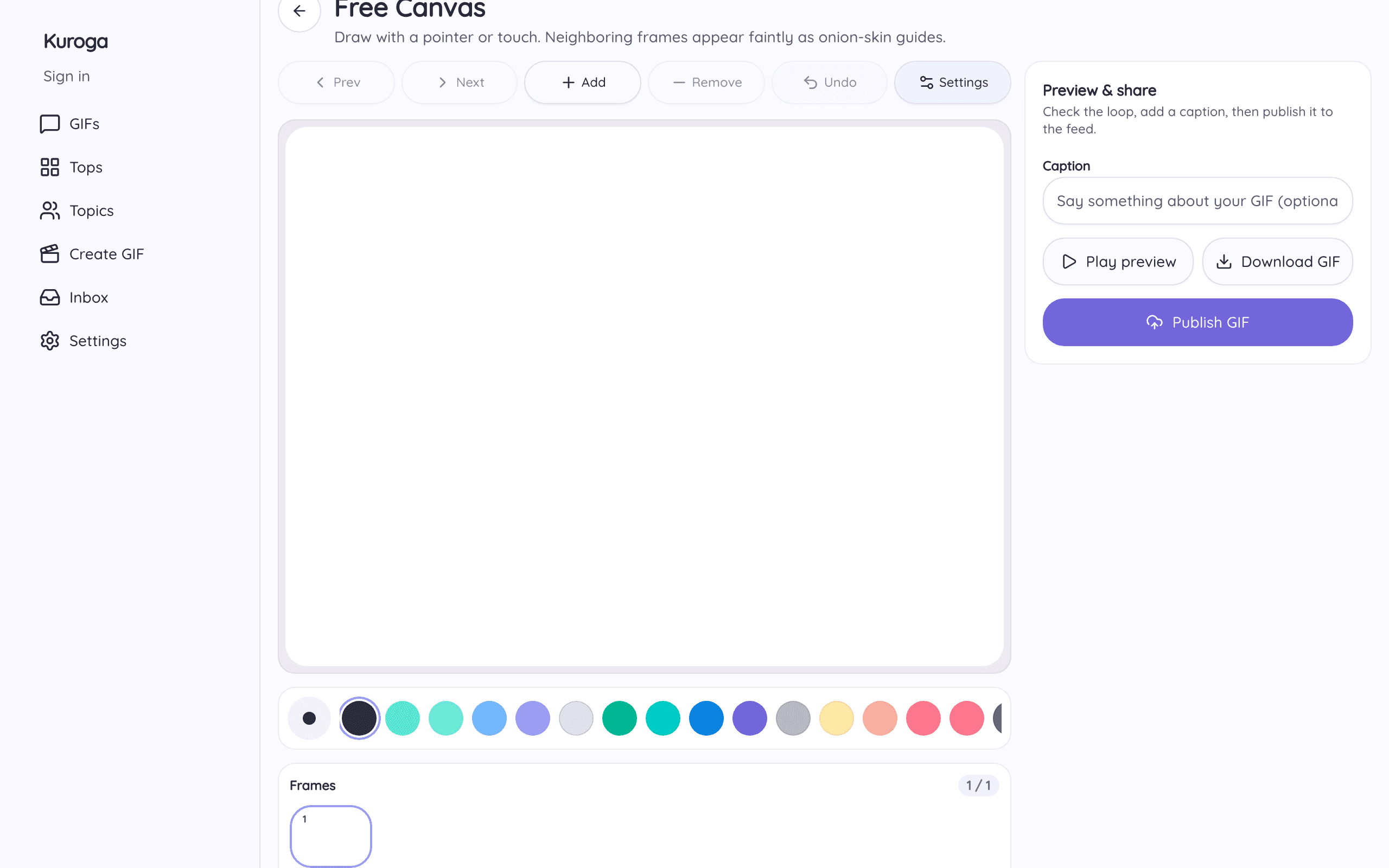
Kuroga is a free tool to make GIFs and short looping animations. Start with a blank canvas — not a video timeline — draw each frame, preview the loop, then export a GIF. Want a video file? Make an MP4 instead.
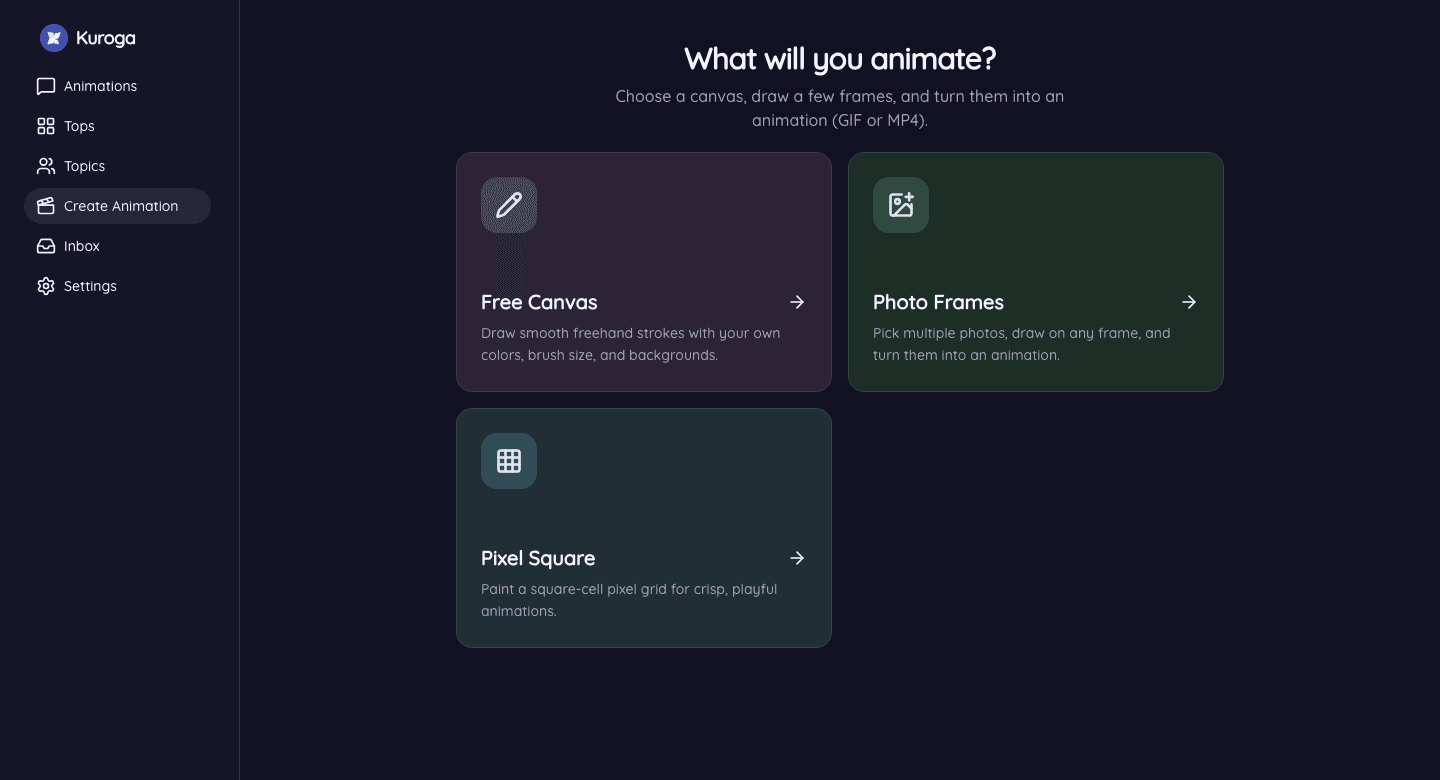
Three ways to make an animation
- Free Canvas — freehand strokes, colors, and onion-skin ghosts for smooth motion.
- Pixel Square — a grid for crisp pixel-art GIF loops.
- Photo Frames — turn photos into a short GIF, then draw on top if you want.
How to make a GIF with Kuroga
- Open Create Animation and pick a mode.
- Draw a few frames — neighboring frames show as faint onion-skin guides.
- Preview the loop, then save, share, or publish to the feed.
FAQ
Is it free to make a GIF online?
Yes. Creating and exporting on the web is free. Optional membership removes ads and adds extras on Android.
Do I need to upload a video first?
No. Kuroga is built to make animation by drawing frames. Photo Frames is optional when you already have pictures.
Where can I share my GIF?
Export and share anywhere (Discord, Messages, social apps), or publish to the Kuroga community feed.
Ready? Make your first GIF now.