Free online MP4 animation maker
Make an MP4 animation online — draw the frames, export the video
Kuroga is a free way to make MP4 animations without a video editor. Draw each frame, preview the loop, then export an MP4 you can post as a short video. Need a looping image instead? Make a GIF.
GIF or MP4?
- MP4 — a real video file. Better for TikTok, Reels, YouTube Shorts, and sharing a clip with sound.
- GIF — a looping image. Better for Discord, chats, and embedding on the web.
- Same drawing — both formats come from the frames you draw. Pick the export when you are done.
How to make an MP4 with Kuroga
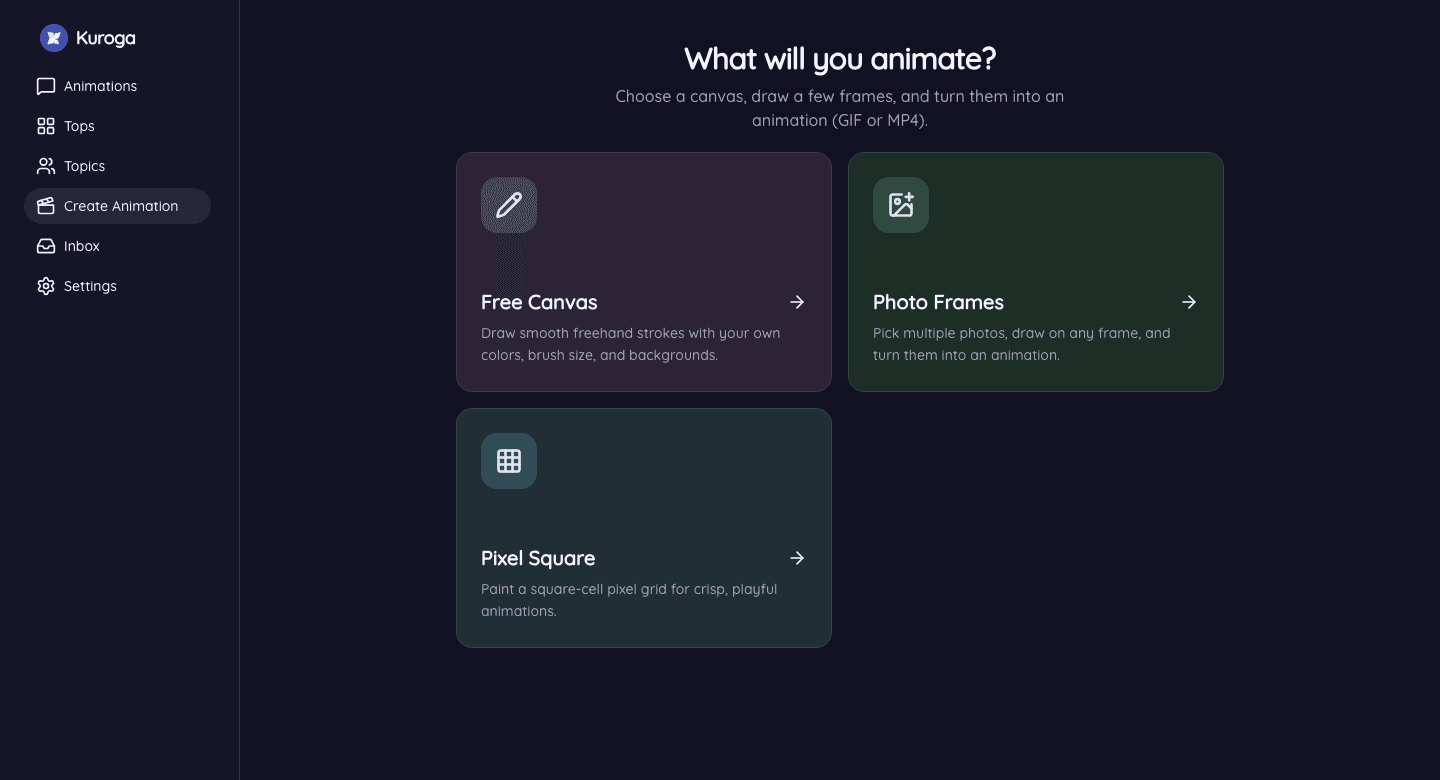
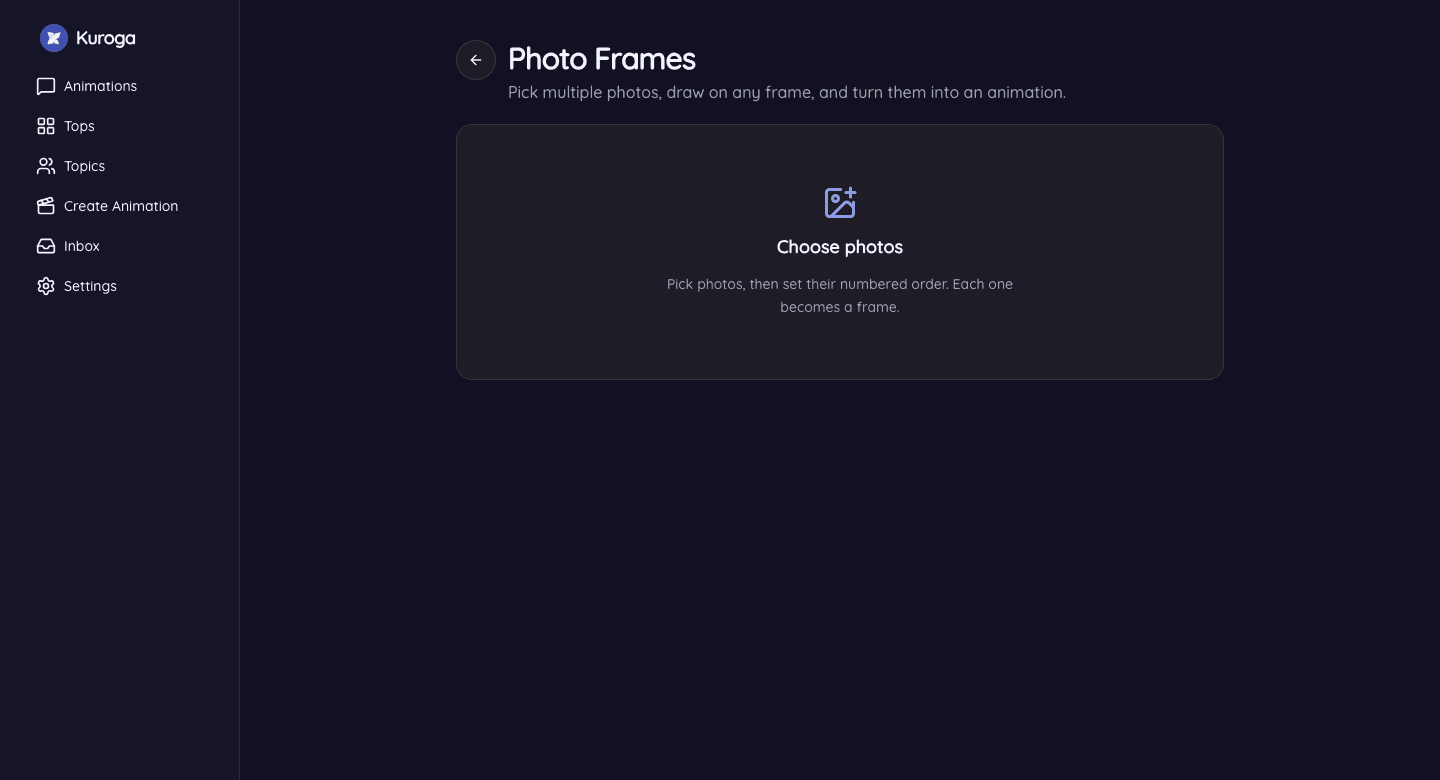
- Open Create and draw a short loop (canvas, pixel, or photo frames).
- Preview it, then export as MP4.
- On Android, you can add optional narration before you save.
- Share the video, or publish it to the Kuroga feed.
FAQ
Is making an MP4 free?
Yes. Drawing and exporting MP4 on the web is free. Android membership is optional (ads off, extras).
Do I need a video timeline?
No. You make the animation by drawing frames. Kuroga turns those frames into an MP4.
Prefer a looping image? Make a GIF online.